
 Apparel
 Auto, Home & Tools
 Bags
Bags Business & Office Products
 Drinkware
 Food & Candy
 Outdoor & Leisure
 Stationery
 Technology
 Toys & Novelties
 Wellness and Safety
 Writing
 Bookmarks
 Booklets
 Brochures
 Business Cards
 Custom Calendars
 Door Hangers
 Envelopes
 Event Tickets
 Flyers
 Greeting Cards
 Hang Tags
 Invitation Cards
 Labels
 Letterheads
 Magnets
 Menus
Menus NCR Forms
 Postcards
 Presentation Folders
 Rack Cards
 Sales Sheets
 Stickers
 Trading Cards
 Table Tents
 Banners
 Canvas
 Decals
 Event Tents
 Flags
Flags Posters
 Reflective Signs
 Signs
Signs Table Covers
 Tension Fabric Displays
 Trade Show Booths



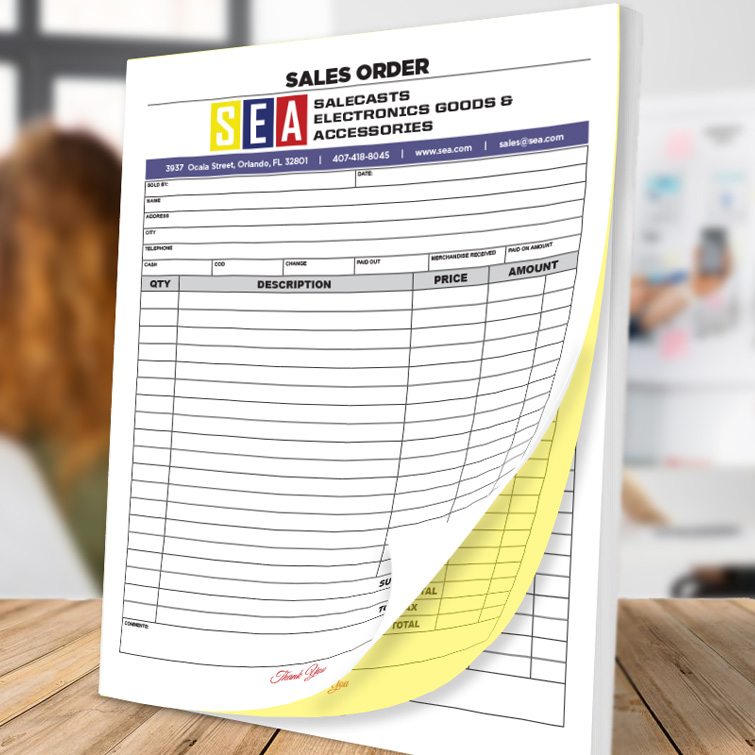


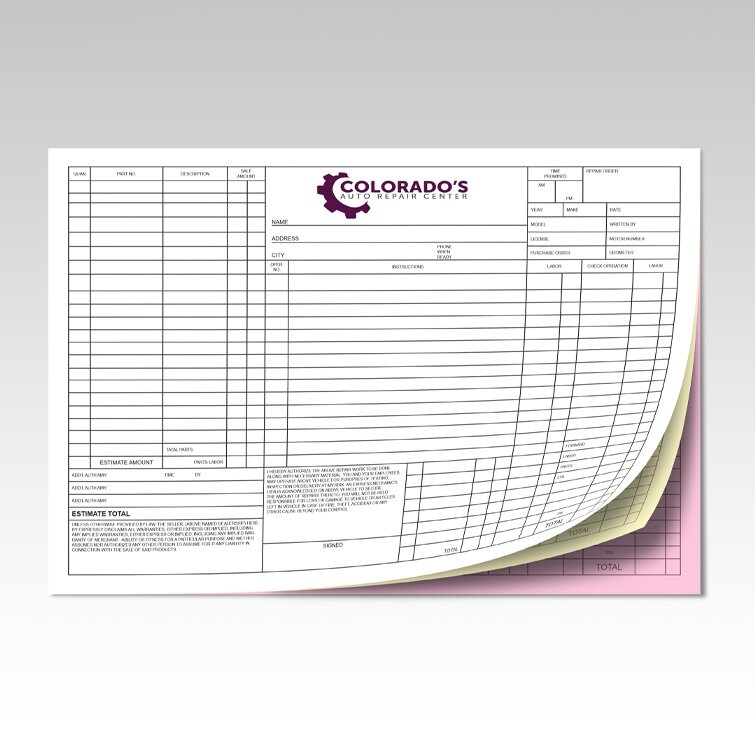
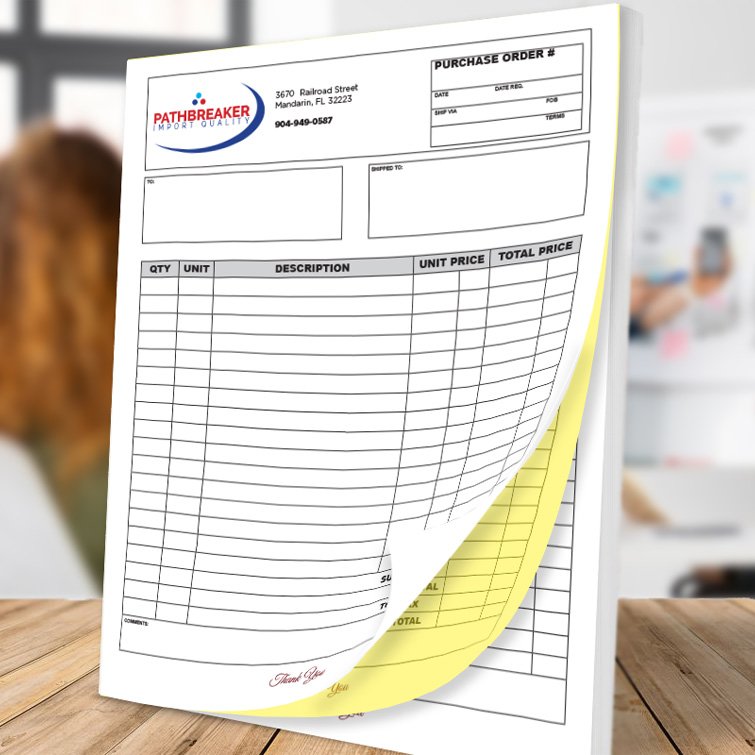
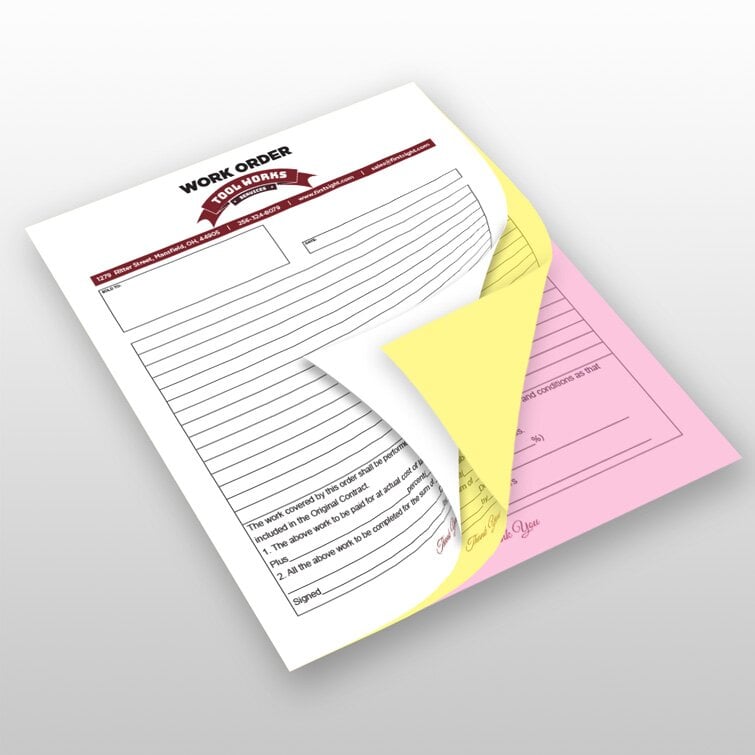
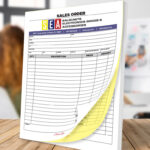
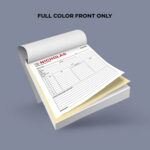
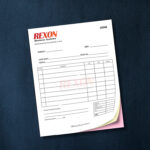
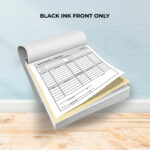
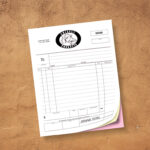
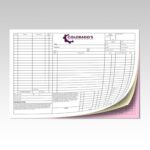
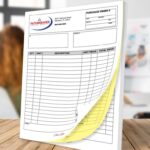

Custom Carbonless Forms or Business NCR Forms Printing
NCR Forms is widely used by companies everywhere to create contracts, order forms, invoices, statements, purchase orders, receipts, and much more. It is a convenient way of making multiple copies for office use, giving to the customer, accounts department, and tax purposes. Using NCR Forms or Carbonless Business Forms reduces the time it takes to copy and attest papers and instead lets every required department have originals at hand when proving transactions.
PrintMagic makes it easy for you to print Custom NCR Forms that will help make some administrative tasks easier. We provide them in:
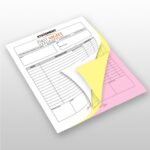
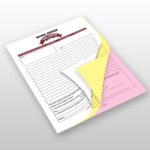
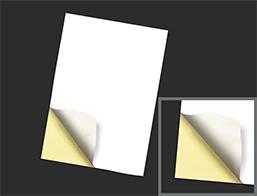
- NCR 2-Part Forms – White and yellow sheets, where yellow is the extra copy
- NCR 3-Part Forms – White, yellow, and pink sheets, where yellow and pink are extra copies glued together in that order
There are also other options available at PrintMagic to help you completely customize your NCR Forms Printing to match your business requirements. Choose from:
- Front color only or Black and White (4/0 or 1/0)
- Available in 2 standard sizes of – 5.5” x 8.5” and 8.5 x 11”
- No numbering or numbering just on the front
Print your own NCR Form with PrintMagic’s free templates to help you get started. You can also upload your file on the above calculator and we will check your file to review before printing. We also have specialized Design service team that can help you create a professional and customized NCR form.
General FAQs – NCR Form Printing
What are the benefits of using the NCR Form for my business?
Referred to as carbonless paper,carbonless printing,carbonless NCR paper, carbonless copy forms,NCR forms printing,non-copy paper,carbonless forms printing, and more, these NCR Forms utilize carbonless paper to offer similar benefits of carbon paper but without the carbon! NCR Forms Printing is a convenient way of making multiple copies for office use, giving to the customer, accounts department, and tax purposes. They are widely used by companies everywhere to create contracts, order forms, invoices, statements, purchase orders, receipts, and much more. Using Custom Carbonless Forms reduces the time it takes to copy and attest papers and instead lets every required department or person have originals at hand when showing transactions.
What is the difference between an NCR 2-Part Form and an NCR 3-Part Form?
NCR 2-Part Form and NCR 3-Part Form are both used rampantly by businesses when more than one copy is required for the customers, sales and accounting, company agents, employees, etc. The NCR 2-Part Forms come with white and yellow sheets, where yellow is the extra copy. On the other hand, NCR 3-Part Forms come with white, yellow, and pink sheets, where yellow and pink are extra copies glued together in that order.
What color printing options are available for NCR Forms?
At PrintMagic, you can choose to print your NCR Forms or Carbonless Business Forms in full color(CMYK) print on the front or just in one color – (1/0) as black print. The 1/0 means black ink only. The Artwork file may be converted to grayscale (if required) before printing which may result in print issues.
Note: Only one artwork file or design shall be printed on the NCR Form.
Can I imprint on NCR forms using standard desktop printers?
Our NCR forms can be imprinted on a variety of equipment, but we recommend you test your specific application.
What are the file requirements for NCR Forms?
We recommend at least 0.25″ of space on the glued edge (short edge) should be free of ink. Check the orientation (horizontal or vertical) selected and design your form with appropriate spacing for the glued edge. Solid-colored backgrounds are best avoided, as they may affect the readability of the text and writing. Light colors are the best choice.
Specify the types of files that I can submit?
While we support the following artwork file formats: .pdf, jpg, jpeg, tif, tiff, eps, and png, we recommend pdf.
Carbonless NCR Forms – Sequential number printing guidelines
Can I add sequential numbering to the Carbonless Forms NCR Printing?
Yes, you can choose to add sequential numbering to your Carbonless Forms, or Custom NCR Forms like invoices, purchase orders, contracts, etc. It can help you keep track of your forms and make documentation much easier.
Is the variable numbering printed on any specific areas of the ticket, and how do I set up my CSV Data File to specify it?
You may choose from a fixed designated 4 areas for printing the numbering. You can choose any of the 4 areas for printing your numbering – Top left, Top Right, Bottom Left, and Bottom Right. Currently, alphanumeric values are supported. To specify the areas, you utilize by naming the Column Headers on your CSV Data File with the corresponding Area Name.
To download a CSV Data File sample, click here. You can submit the CSV over email to [email protected] with your order details after placing the order.
Note: The CSV data file may contain up to 5 digits or characters for each record. See the example below.
Example: 00001 or AAAAA or A0001.
If you need leading zeros, for example starting number from 00001, then ensure that leading zeros are preserved in the document you have created before submission.
In what font, size, and color shall be the Variable Numbering portion be printed?
The default font, size, and color for the Variable Numbering portion are Calibri 14pt, black.
We recommend that the black color for the numbering be factored in while designing your artwork. If your design has a background or images that are dark, then the background image in the numbering areas needs to be knocked out (KO), so that the numbers are visible.
Will PrintMagic modify my CSV Data File for variable printing to correct any errors or typos?
While we do proof check the artwork file and seek your approval before proofing, it would be your responsibility to double-check and ensure the accuracy of your data in the CSV file be submitted.
How will the numbers be printed in case the CSV file submitted has fewer records than the quantity of form ordered?
PrintMagic will print the artwork based on your data file.
For example: if your order quantity is 500 and your CSV data file has only 450 records, then only 450 NCR Forms with Variable Numbering shall be printed.
How will the numbers be printed in case the CSV file submitted has more records than the quantity of form ordered?
PrintMagic will print only the quantity ordered. Any additional records in the CSV Data File, shall not be printed.
 Signs
Signs


ROBIN R –
Harris K –
Happy with my duplicate carbonless forms….. Love them! Excellent quality and service.
Sara C –
Ordered These forms for my Manufacturing Unit, Logo and header perfectly came out on our carbonless NCR forms.
Athena C –
My NCR form order was printed, shipped and delivered in expected time. good buy.
Willie F –
This is my second order of NCR Forms, Loved the quality Its as same as previous one.
Kennedy H –
My 3 part NCR forms printing came just as promised. Priced right. Highly recommended.
Robert S –
Quick and easy order at a reasonable price. the 2 part forms came out absolutely perfect.
Sandra T –
We had a pretty intricate design and logo with a very specific color and they NAILED IT! I was super nervous not seeing a proof, but they did an incredible job! 10/10 would recommend.
Kirby S –
Forms are flawless, service was flawless. Printmagic will be our go to supplier from now on.