
 Apparel
 Auto, Home & Tools
 Bags
Bags Business & Office Products
 Drinkware
 Food & Candy
 Outdoor & Leisure
 Stationery
 Technology
 Toys & Novelties
 Wellness and Safety
 Writing
 Bookmarks
 Booklets
 Brochures
 Business Cards
 Custom Calendars
 Door Hangers
 Envelopes
 Event Tickets
 Flyers
 Greeting Cards
 Hang Tags
 Invitation Cards
 Labels
 Letterheads
 Magnets
 Menus
Menus NCR Forms
 Postcards
 Presentation Folders
 Rack Cards
 Sales Sheets
 Stickers
 Trading Cards
 Table Tents
 Banners
 Canvas
 Decals
 Event Tents
 Flags
Flags Posters
 Reflective Signs
 Signs
Signs Table Covers
 Tension Fabric Displays
 Trade Show Booths




10% OFF
Paper & Specs
Paper Stock Options
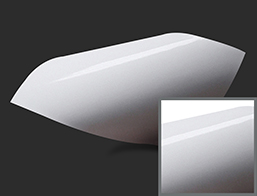
Standard Gloss Cover 100 lb.
- 100lb Gloss Cover is another popular paper stock widely used by customers
- This paper stock is flexible, sturdy but can still be rigid.
- Colors appear rich and vibrant on this paper stock.
- This stock is tad thicker than the 100 lb. Gloss Text and is generally used as Outside Paper for Booklets, thick sales sheet and Menu printing.
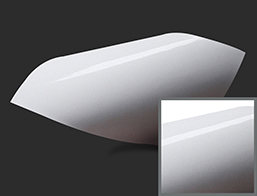
Standard Gloss Text 80 lb.
- This 80 lb. Gloss Text stock is a light glossy paper compared to 100 lb. Gloss Text paper stock.
- It is high-quality stock produces vibrant colors, and smooth appearance to the printed product
- Protects your product from damage.
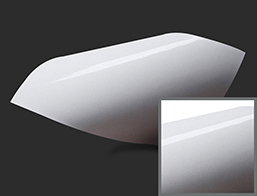
Standard Gloss Text 100 lb.
- This 100lb Gloss Text stock is slightly thin than 100lb. Gloss Cover.
- This 100lb Gloss Text stock has a beautiful sheen that protects your product from damage and makes colors appear vibrant and bright.
- This paper stock is smooth, and its glossy paper provides similar results to soft cover of a booklet/ catalog.
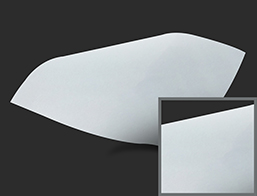
White Premium Opaque 70 lb.
- This paper stock is compatible for use in your Laser or Inkjet printer
- Bright white, uncoated, and smooth.
Coating Options
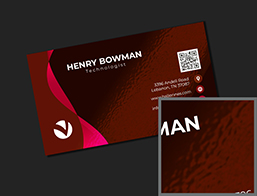
UV Coating Both Sides
- UV is short for Ultra Violet Light-Cured Coating
- High-gloss coating applied over the entire front and back of the printed piece
- Not recommended for products you need to write on after being printed
Aqueous Coating
- Clear, fast-drying water- based
- Used to protect printed pieces
- High-gloss or matte surface that deters dirt and fingerprints
- Improves the durability of postcards and other printed pieces as they go through the mail
- Protects business cards as they are carried in peoples’ wallets
- Looks beautiful on brochures, catalog covers, and presentation folders
- Aqueous coatings provide more substantial scuff-resistance than varnishes
- Typically applied to the entire printed piece, usually by the last unit on a printing press
- Due to its water base, aqueous coating is more environmentally friendly than varnish or UV coatings

Satin Aqueous Coating
- AQ is short for Aqueous Coating
- Addition of Satin means this is a Matte finish
- Environmentally friendly
- Water-based coating applied over the entire printed piece
- Reduces the gloss of the printing
- it can be written on with a ballpoint pen
Score / Folding Options

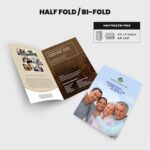
Half-Fold
- Simple, Professional Appearance – Ideal for concise presentations.
- Clear Two-Panel Design – Perfect for highlighting key messages.
- Versatile Usage – Suited for menus, invitations, and promotional materials.

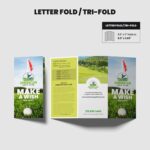
Tri-Fold / Letter Fold
- Compact & Organized Layout – Effectively divides information into three clear sections.
- Ideal for Marketing & Informational Content – Perfect for brochures, guides, and menus.
- Professional Presentation – Standard fold type for easy handling and distribution.
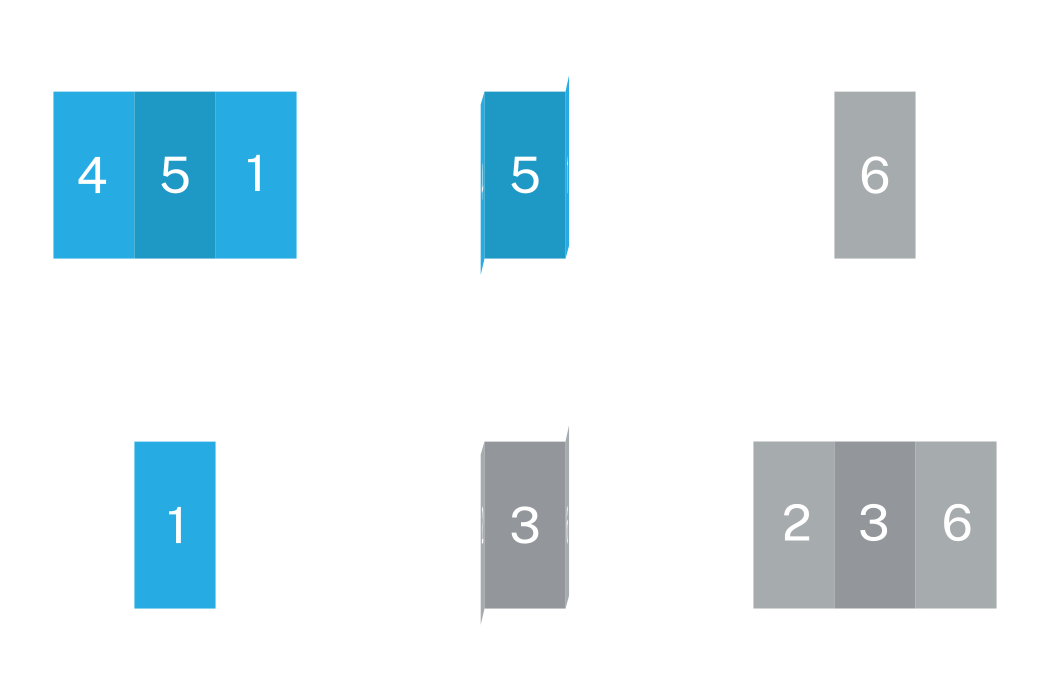
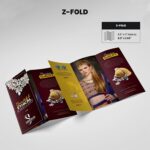
Z-Fold
- Eye-Catching Design – Creates visual interest with accordion-style panels.
- Sequential Information Flow – Guides readers step-by-step through content.
- Ideal for Mailers & Flyers – Perfect for showcasing services, products, and events.
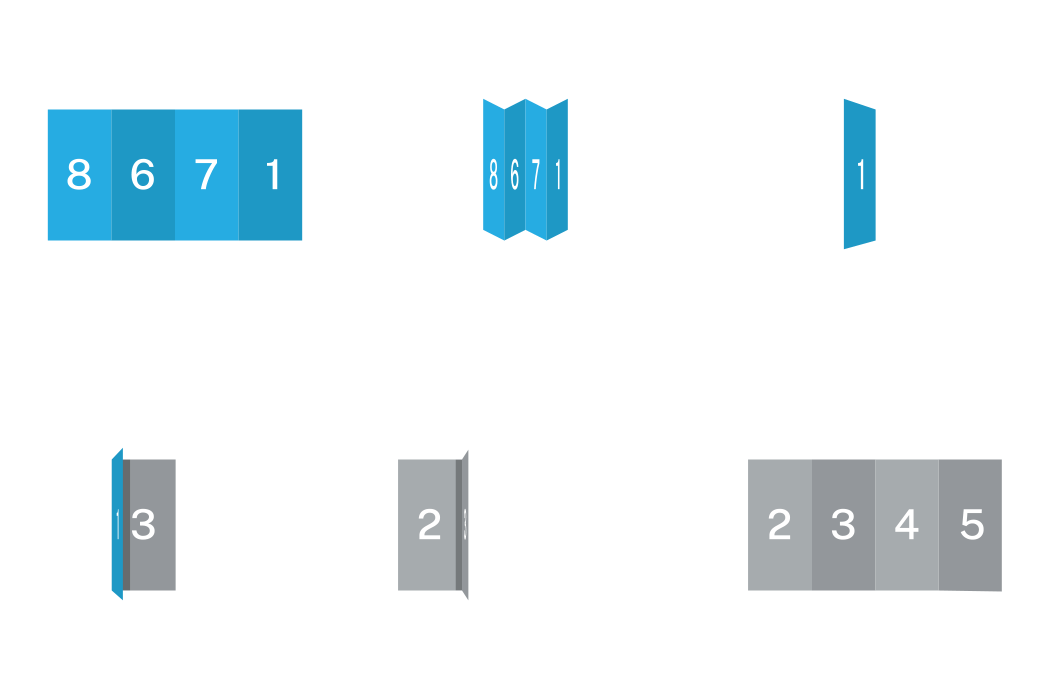
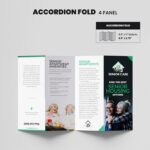
Accordion Fold
- Expandable, Multi-Panel Display – Allows easy scanning of sequential content.
- Great for Timelines & Event Programs – Ideal for storytelling and organized presentations.
- Eye-Catching, Interactive Format – Encourages reader interaction and deeper engagement.
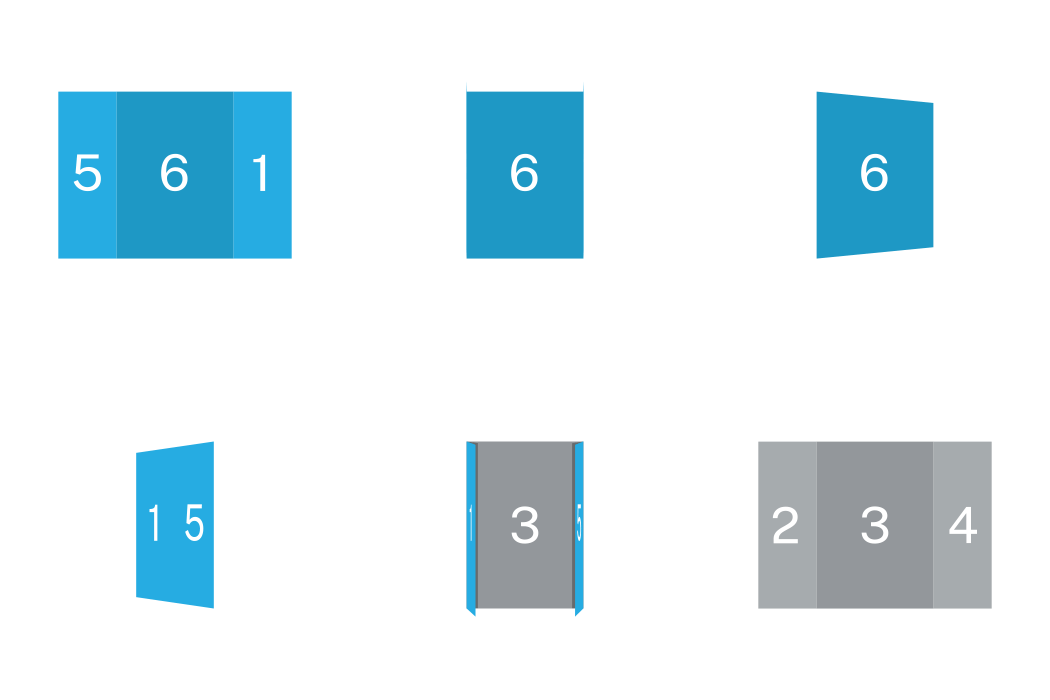
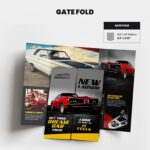
Gate Fold
- Engaging, Reveal-Style Layout – Dramatically presents your content when opened.
- Perfect for High-Impact Designs – Ideal for product launches and special invitations.
- Enhanced Presentation – Provides ample space for visuals and detailed messaging.

Half-Fold and then Tri-Fold
- Highly Organized, Comprehensive Layout – Combines simplicity of half-fold with detailed sections.
- Ideal for Complex Information – Perfect for extensive guides, product catalogs, and maps.
- Easy-to-Navigate Panels – Offers structured content flow for optimal readability.
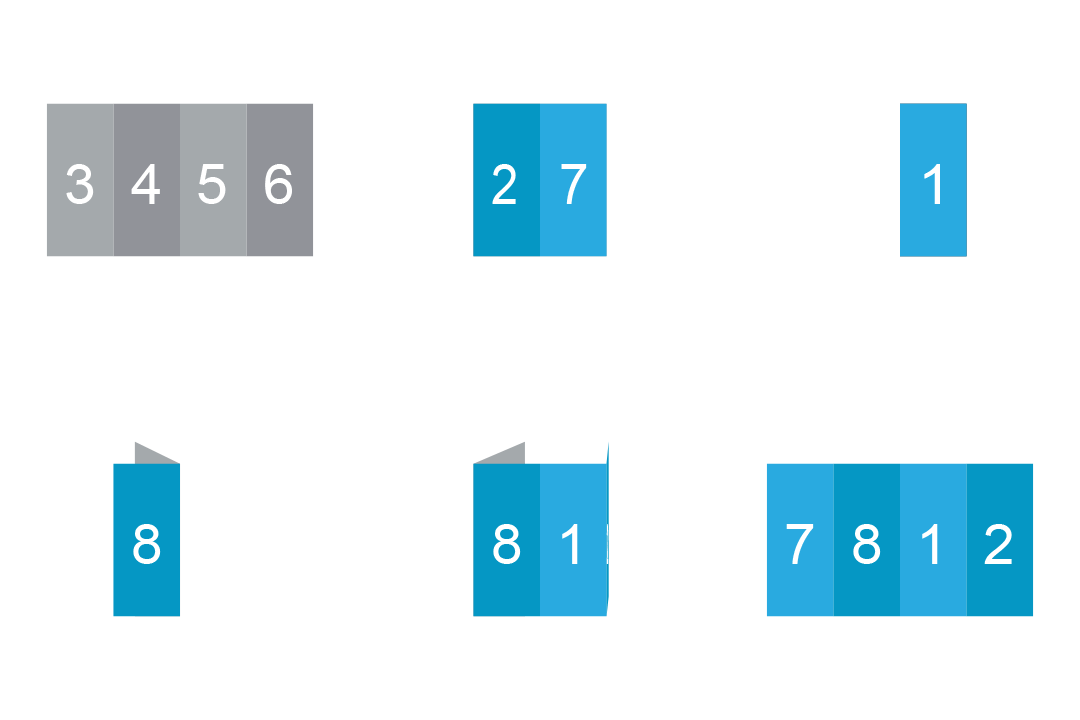
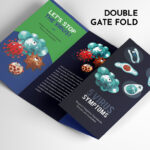
Double Gate Fold
- Unique, Interactive Opening – Adds elegance with symmetrical panel reveals.
- Ideal for Premium Marketing – Great for luxury products, events, and announcements.
- Spacious Interior Panels – Ample room for detailed messaging and visuals.
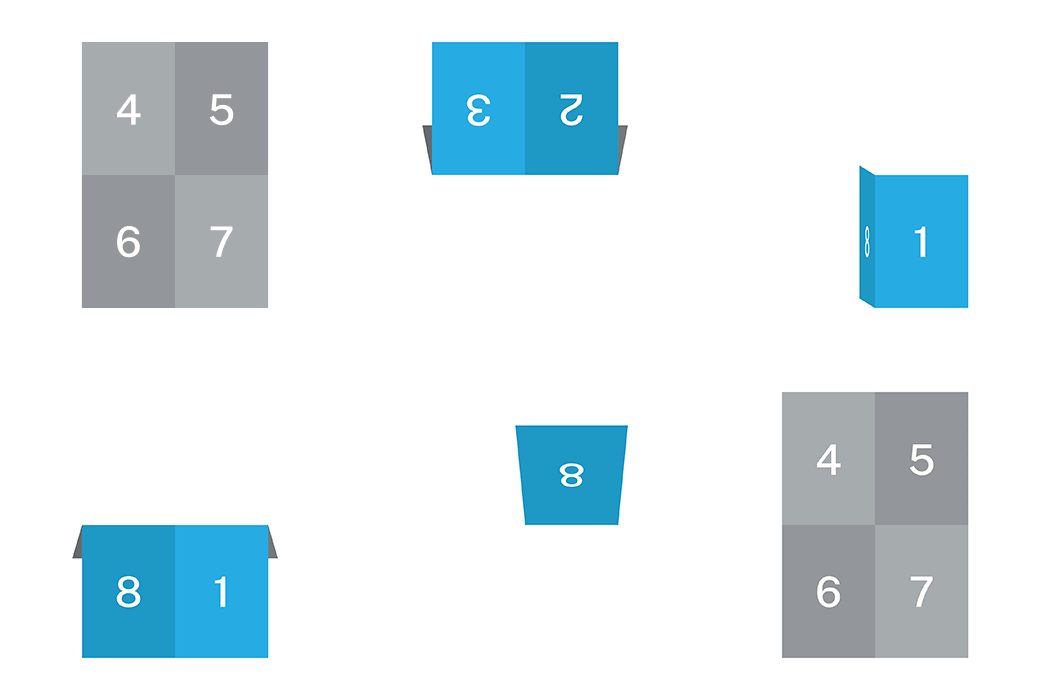
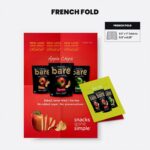
French Fold
- Elegant, Premium Feel – Creates a sophisticated look with a quarter-fold presentation.
- Perfect for Invitations & High-End Promotions – Adds exclusivity to special events.
- Compact & Secure Format – Keeps contents neatly enclosed and protected.
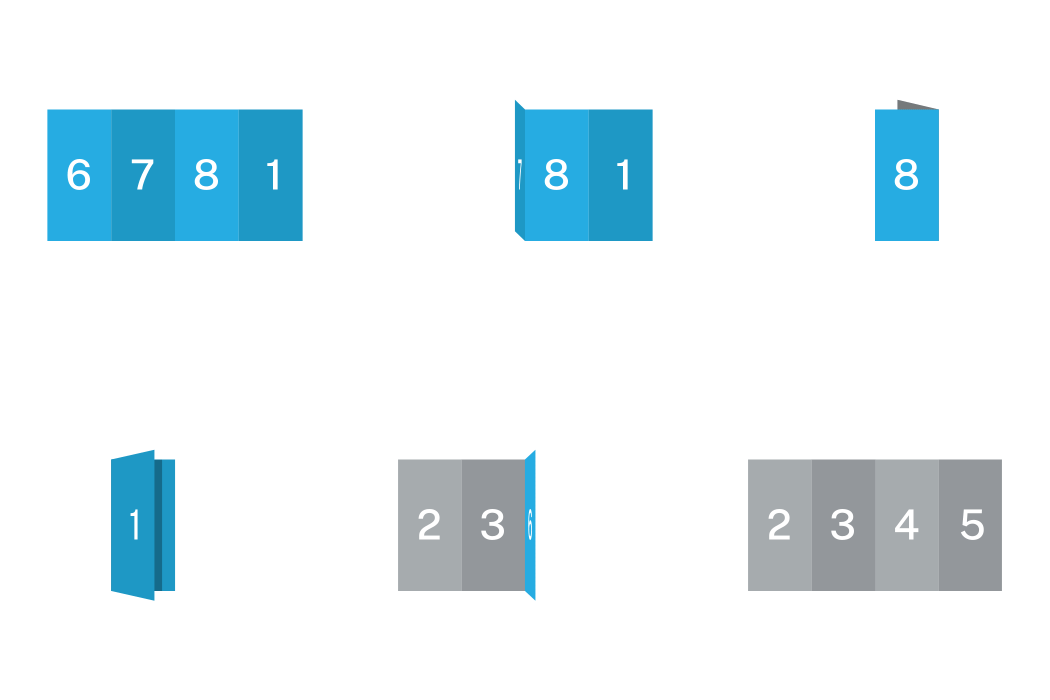
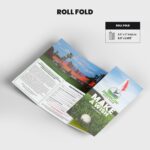
Roll Fold
- Sequential, Engaging Design – Presents content progressively, capturing reader interest.
- Perfect for Step-by-Step Information – Ideal for tutorials, processes, and timelines.
- Compact and Versatile – Easy to handle, mail, and distribute at events.
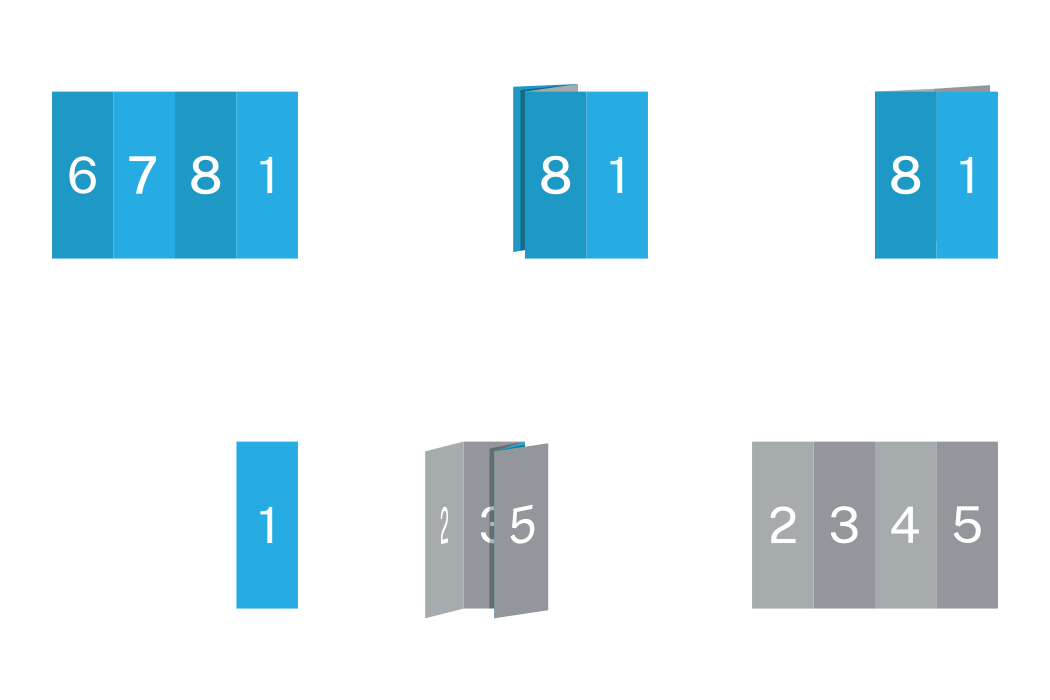
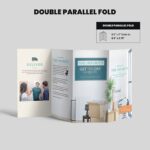
Double Parallel Fold
- Compact, Structured Format – Clearly organizes detailed information into multiple sections.
- Ideal for Extensive Content – Perfect for brochures, maps, product sheets, and newsletters.
- User-Friendly Handling – Easy to unfold and refold for repeated reference.
Shape Options

Horizontal Rectangle
Vertical Rectangle
Size Options
4" x 8.5"
4" x 10"
4.25" x 5.5"
4.25" x 11"
5.5" x 8.5"
5.5" x 17"
8" x 9"
8.5" x 11"
8.5" x 14"
9" x 12"
9" x 16"
11" x 17"
12" x 18"
Print Turnaround Time Options
1-2 Business Day
2-4 Business Days
5-7 Business Days
Printed Side Options
Color On Front Only (4/0)
Color On Front & Back (4/4)
Score / Folding Options
No Folding & No Scoring
Score in Half-Fold
Score and Tri-Fold
Score and Z Fold
Score for Double Gate Fold
Score for Gate Fold
One Score Only
Two Score Only
How to send my artwork?
Download Templates
To guide you with your design accurately, we had prepared a number of templates for your use. Choose a file
format and a size and click the links to download.
Brochure-Layout-Template-8.5x5.5-Flat-Horizontal.pdf
Brochure-Layout-Template-8.5x5.5-Flat-Vertical.pdf
Brochure-Layout-Template-8.5x5.5-Half-Fold-Vertical.pdf
Brochure-Layout-Template-8.5x5.5-Half-Fold-Horizontal.pdf
Brochure-Layout-Template-8.5x5.5-Tri-Fold.pdf
Brochure-Layout-Template-8.5x5.5-Z-Fold.pdf
Related Products

From $78.32$70.49

From $201.58$181.42
From $267.99$241.19
From $43.61$39.25
From $39.92$35.93
From $43.61$39.25
From $61.11$55.00
From $43.30$38.97
From $39.92$35.93

From $39.92$35.93
From $39.92$35.93
From $30.71$27.64
 Signs
Signs



Reviews
Clear filtersThere are no reviews yet.